
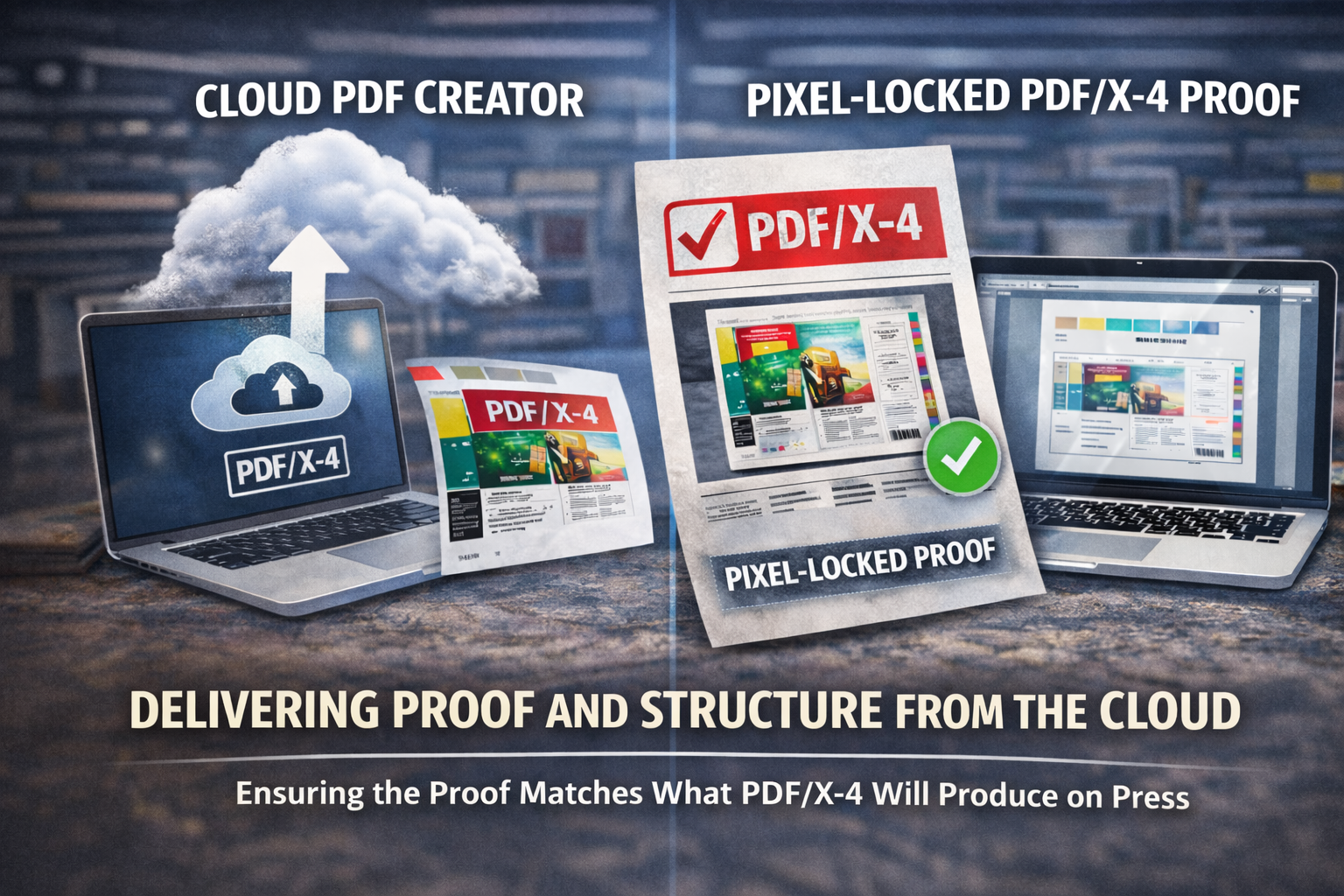
In the previous post, we explored how PDF/X-4 delivers value only when it marks the moment of intent lock-in, not when it’s applied as a post-hoc repair label. But what if you want to go one step further?
If you want to check exactly what a production raster image processor (RIP) will output from a PDF/X file, rather than relying on how a desktop viewer happens to display it, you need to render it through a RIP-grade engine and capture the result.
The challenge with vector proofs
A PDF/X-4 file is:
- Self-contained
- Deterministic
- Structurally reliable
- Color-managed
- Transparency-safe
But it is still a vector file.
That means:
- It still relies on a viewer’s rendering engine.
- Overprint preview must be enabled.
- Color management depends on the application.
- Transparency compositing is performed at display time.
Even if the file is technically perfect, two viewers may display it slightly differently. For high-value print or color-critical jobs, that can be uncomfortable.
Enter the raster proof
If you take a validated PDF/X file and render it through a production-grade engine like the Mako Core print software development kit (SDK):
- Transparency is composited.
- Overprint is resolved.
- DeviceN and spot color interactions are calculated.
- Color management is applied using the declared Output Intent.
- The page is rendered at a defined resolution.
You now have a fully resolved pixel representation of the page. Nothing is left to interpret.
Wrapping the raster for universal viewing
That rendered image can then be:
- Wrapped into a PDF
- Provided as a multi-channel raster for technical review
At that point: Any viewer will display the same result.
- No missing fonts.
- No transparency preview toggle.
- No overprint settings.
- No colour conversion ambiguity.
The visual result is frozen.
What this achieves
Rasterised proofs provide:
- Visual determinism
- Viewer independence
- Confidence in compositing and color blending
- A stable approval artifact
It transforms:
- Exchange determinism (PDF/X) into Visual determinism (pixel-locked proof)
What it does not do
Raster proofing does not:
- Simulate press screening
- Model ink gain
- Reflect substrate behavior
- Replace a calibrated contract proof
It freezes digital rendering intent, not physical press behavior. But for many workflows, that’s exactly what’s needed.
When this makes sense
Raster proofing is particularly powerful when:
- Cloud-based systems need RIP previews
- The client does not have a prepress-aware viewer
- Overprint behavior is critical
- Transparency complexity is high
- Extended gamut workflows are involved
- Jobs are approved remotely
It creates a clean boundary: “This is what a RIP will produce.”
Final thought
PDF/X removes technical ambiguity from file exchange by ensuring that everything required to print the job is contained within the file. Rasterized proofs take this a step further by allowing the designer to see exactly how a production-grade RIP will interpret and render that PDF/X file. In complex, color-critical workflows, using both together significantly reduces risk and helps restore real confidence in what “approved for print” truly means, not just structurally compliant, but visually predictable at press time.
If you’re interested to learn more about wrapped raster PDFs, this video provides a demo of wrapped raster rendering using Apex™, the high-performance GPU-native renderer:
About the author

David Stevenson is the product manager for the Mako Core™ SDK and responsible for the performance component in SmartDFE™, the AI-accelerated digital front end platform for high-speed, single-pass inkjet presses. Throughout his career, he has specialized in electronic documents, starting with Xerox Corporation as a product manager for Venture Publisher, an early star of desktop publishing on PCs. That was followed by a 13-year career at Adobe, specializing in various aspects of PDF, including creative print workflows, electronic forms and accessibility. At Helix he continues to focus on PDF technology and solutions for page description languages (PDLs).
Further reading:
- When PDF/X-4 fails in the real world: it’s not the standard – it’s the workflow
- PDF/X-1a vs PDF/X-4: What’s the difference – and which should you use in 2025?
- Compliance, compatibility, and why some tools are more forgiving of bad PDFs
- Film: Choosing a print software development kit (SDK)